

Convert your Wish List to an Order
It’s never been easier to discover new books or meet patron demand—all day, every day!
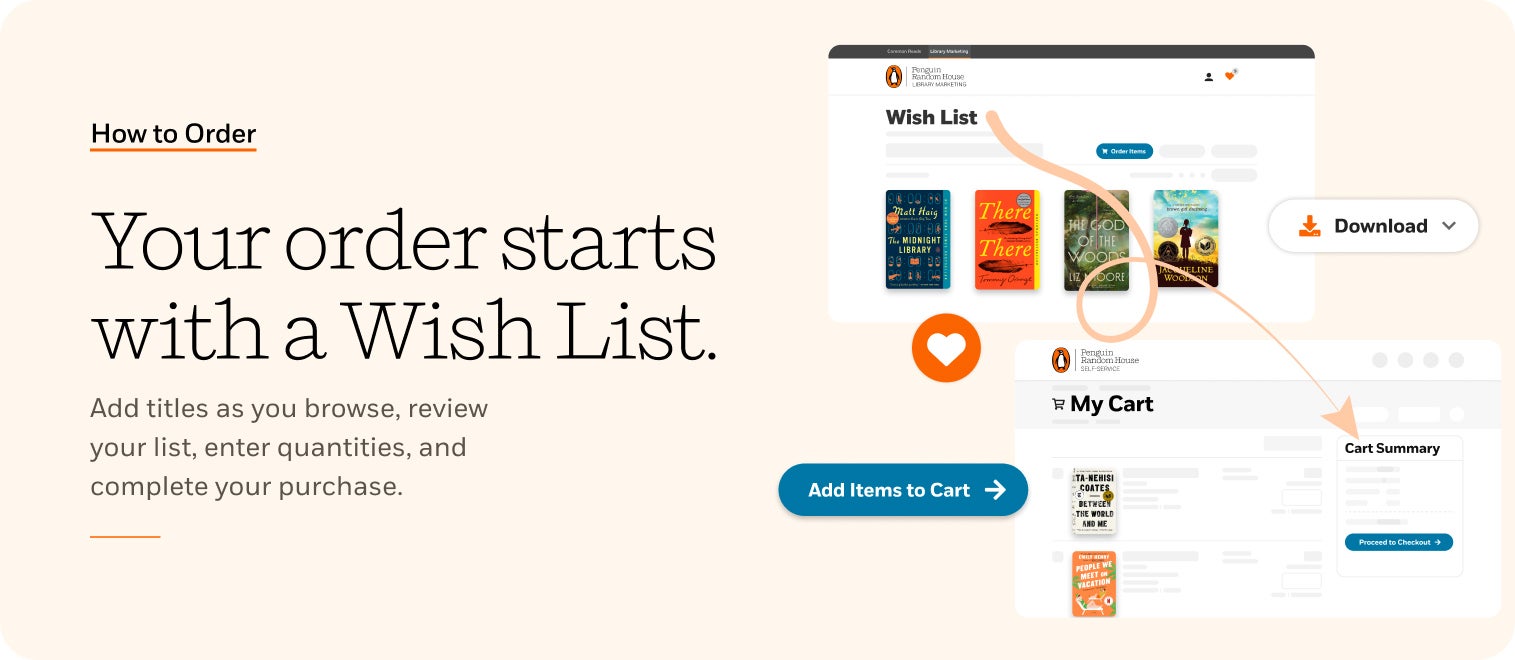
You can now send your Penguin Random House Library Marketing Wish List to your Penguin Random House Self-Service shopping cart.
Simply sign-in using your PRH Self-Service account details . . .

Logging into PRH Library Marketing site
Then browse Library Marketing and add titles to your Wish List by tapping the heart . . .

Adding product to your Wish List
and send your list to your shopping cart!
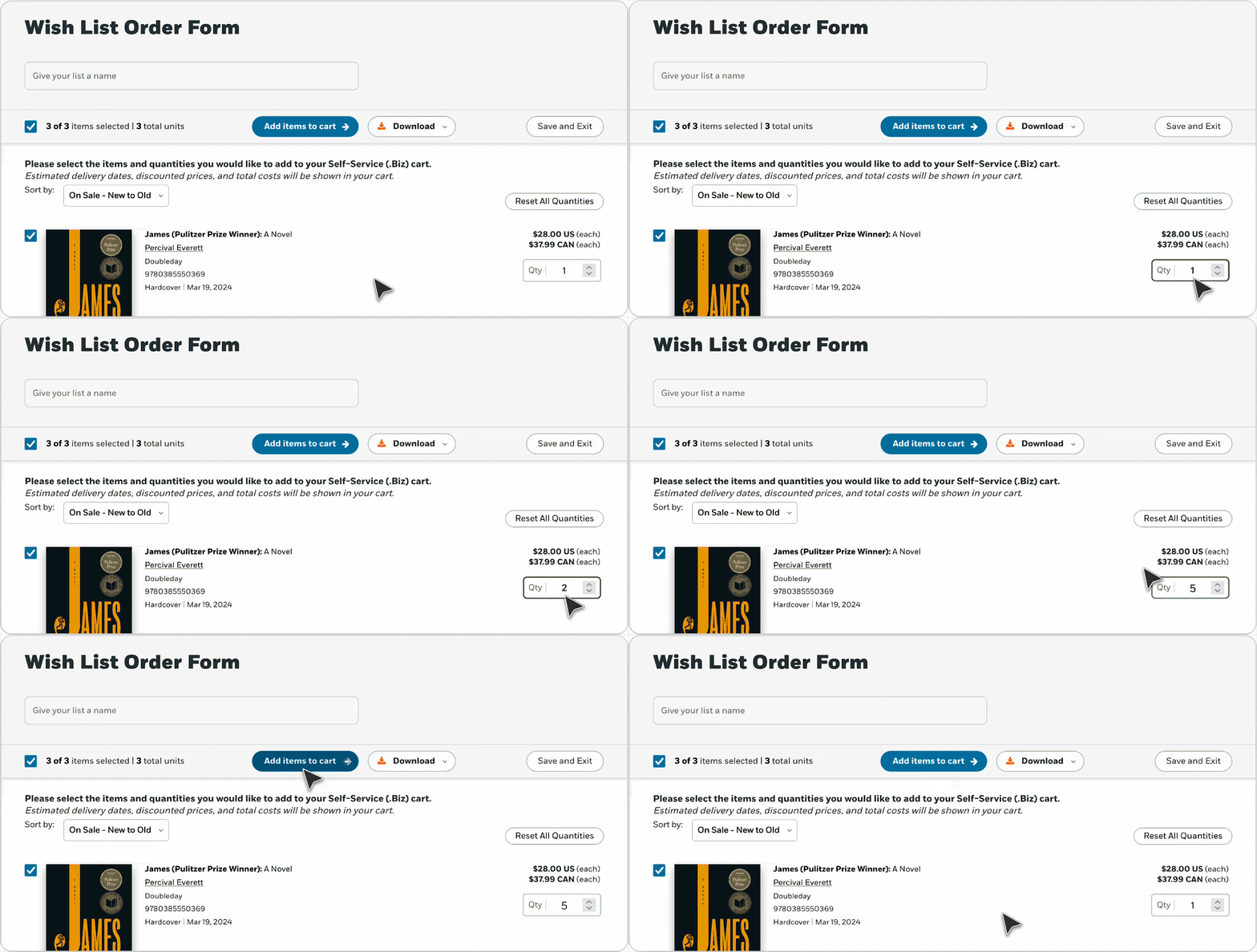
Your PRH Library Marketing Order Form prior to sending to PRH Self-Service.
It’s that simple!
Getting started?
- How to set Up and Account with Penguin Random House – You must have an Account Number & SAN to register with Self-Service!
- How to Register on Penguin Random House Self-Service – You must register with Self-Service before you can order via the Library Marketing site!
- How to Order – Once you have the above, you can start ordering on this site!